Per-wallet 2FA control and wallet secret export
Aug 21, 2026
Set your security posture, wallet by wallet.
Customise your two-factor authentication per wallet
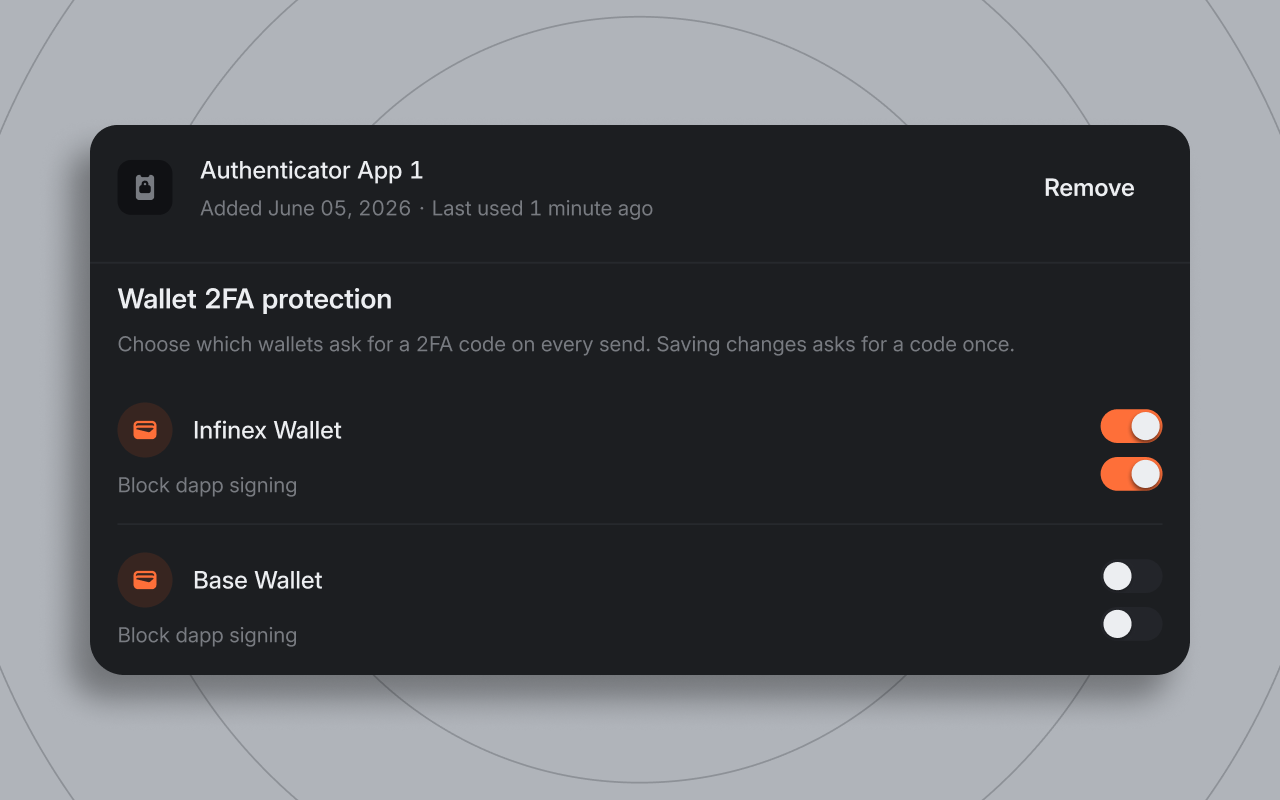
Until now, two-factor authentication (2FA) applied at the account level. The wallet you use to trade with every day, and the wallet you use to store funds both had the same security posture, and the same friction. 2FA can now be set per-wallet.
In Settings → Security & Access, each wallet has two toggles:
- Ask for a 2FA code on every transfer out of the wallet's security zone
- Block dapp signing through the extension
Your Infinex wallets, imported seed-phrase wallets, imported private-key wallets, hardware wallets, and multi-sig Safes can have 2FA toggled on or off. 2FA is opt-in and you can remove it from your account completely at any time. While your account has 2FA on, Legacy Vaults always have 2FA enabled.
Wallets with 2FA enabled form a security zone. Moving funds between wallets inside the zone is frictionless: no code required. Moving from a 2FA enabled wallet to one outside the zone, or sending out of Infinex from it, asks for a code first, so protection can't be bypassed by hopping funds through a wallet without 2FA turned on.
This lets you set the posture appropriate for each wallet: a hotter wallet that connects to dapps and transacts without friction, and a colder wallet that can't sign dapp transactions and won't send out of Infinex, or leave the security zone, without a code.
Wallet secret export
Your Infinex account is secured by a passkey: a cryptographic key pair that combines something you have (your device) with something you know or are (a PIN or a biometric). Passkeys are secure and phishing resistant. However, there may be instances when you want to store the seed phrase or private keys for your wallets yourself.
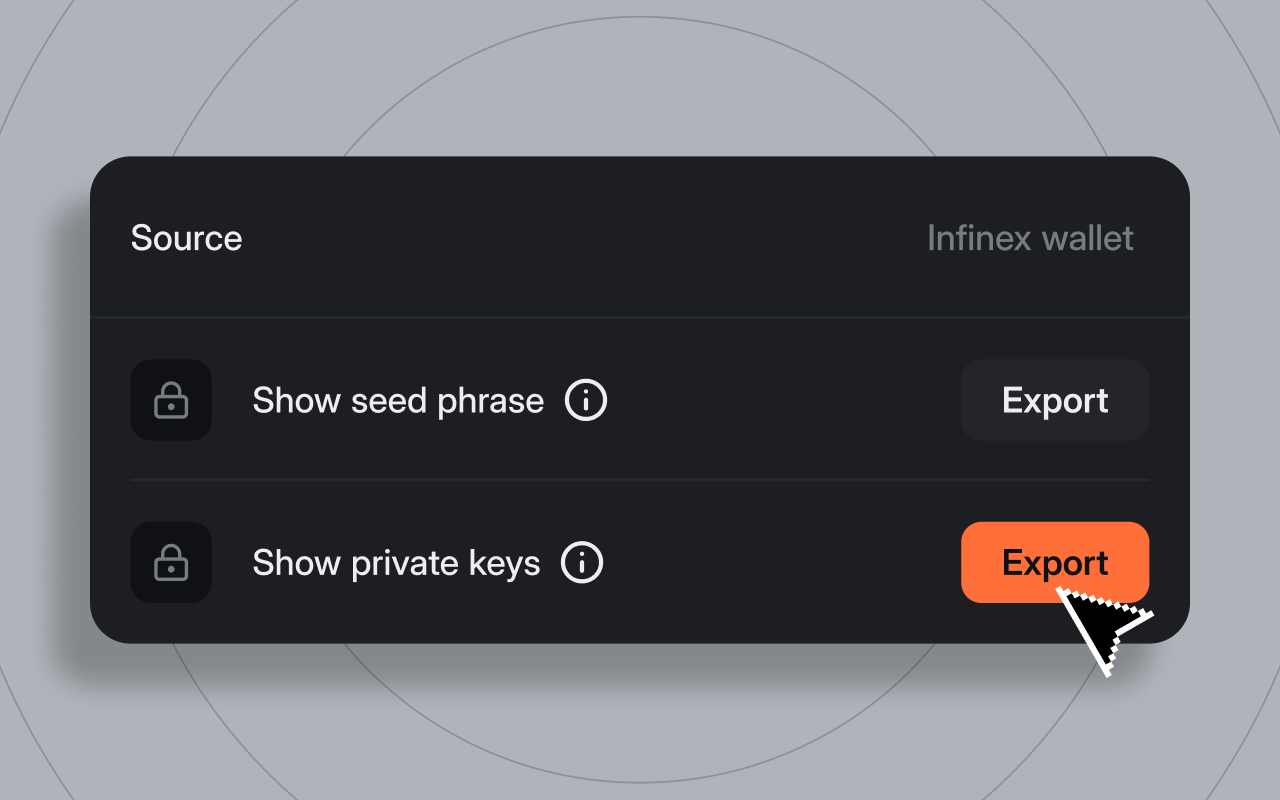
Infinex wallets, as well as imported seed phrases and private keys, can now be exported. Go to Settings → Manage wallets, open Manage on the wallet. From there you can choose to export:
- Your seed phrase: the secret for multiple wallets
- Your private key: the secret for just one address
Anyone with your seed phrase or private keys has full control of those wallets. Infinex will never ask you for your seed phrase or private key.
Before exporting, you'll have to sign with your passkey. You'll also have to provide a 2FA code if enrolled or an email code if not. The reveal renders securely inside Turnkey's hosted export iframe, so the secret is not revealed to Infinex. Your secrets are encrypted and secured by Turnkey, and can only be decrypted inside Turnkey's secure enclave with your passkey: neither Infinex nor Turnkey can view or access them.
You cannot export Legacy Vault accounts, but you can recover funds from them if you need to.
Each wallet shows Last exported with the date, or Never exported if it has never been exported from your Infinex account. When an export completes, the date updates and we send a notification email to your account address. If you ever receive an export notification you didn't trigger, contact support immediately.
For more, see the Infinex Roadmap.
Back to What's new