Using your YubiKey with Infinex
How to create a backup passkey and store it on your YubiKey
You can now create additional passkeys (up to 3 in total) for your Infinex Account. We strongly recommend that you create a backup passkey in case you lose access to your first one.
Storing your backup passkey on a physical security key such as a YubiKey is a good option.
Before saving your passkey on it, you'll have to set a PIN for your YubiKey. Set a PIN that's strong and memorable (so more than four digits, ideally alphanumeric, and definitely not your birthday). You'll have to enter this PIN when using the passkey on your YubiKey.
Once you've stored your passkey on it, physically secure your YubiKey the way you might a seed phrase – e.g., by storing it in a safe, or another physically secure location.
How to add a backup Infinex passkey on your YubiKey:
Best practices for managing multiple passkeys
- Set a strong PIN for your YubiKey, ensuring it's something you'll remember when you need it.
- Keep your YubiKey somewhere safe. It's your key to getting in, so treat it like you would a seed phrase.
- Lost your YubiKey? It's ok. If you've added multiple passkeys, you can remove the lost passkey from your Infinex Account, similar to canceling a lost credit card.
- You can add up to three passkeys per Infinex Account. More passkeys means more redundancy, but also more opportunities to lose one. Make sure you keep your passkeys safe.
What are Passkeys?
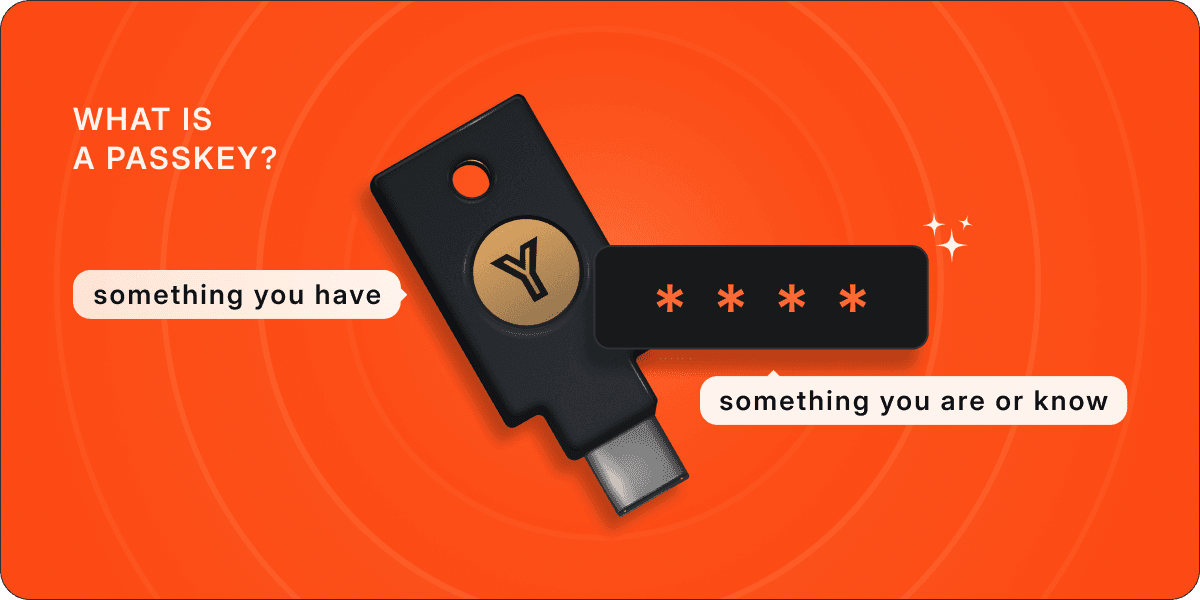
Infinex Accounts are secured with passkeys – a modern cryptographic alternative to passwords and seed phrases. Passkeys combine something you have (a physical device such as a laptop, mobile phone, or a security key like YubiKey) with something you are or know(a fingerprint, face, or PIN) to generate a cryptographic public/private key pair that secures your Infinex Account.
Unlike passwords, passkeys can't be phished, and can be securely stored on a completely separate physical device like a YubiKey.
- If you're new to Infinex, you can create and store your initial passkey on your YubiKey during the signup process.
- If you do have an Infinex Account already, you can now add an additional passkey for redundancy, and store it securely on your YubiKey.