Wallet Import: bring your wallets to Infinex
Dec 1, 2025
Import your seed phrase or private key and manage your wallets and assets from the convenience of your Infinex account. There's no need to send or move funds, and there’s no gas required.
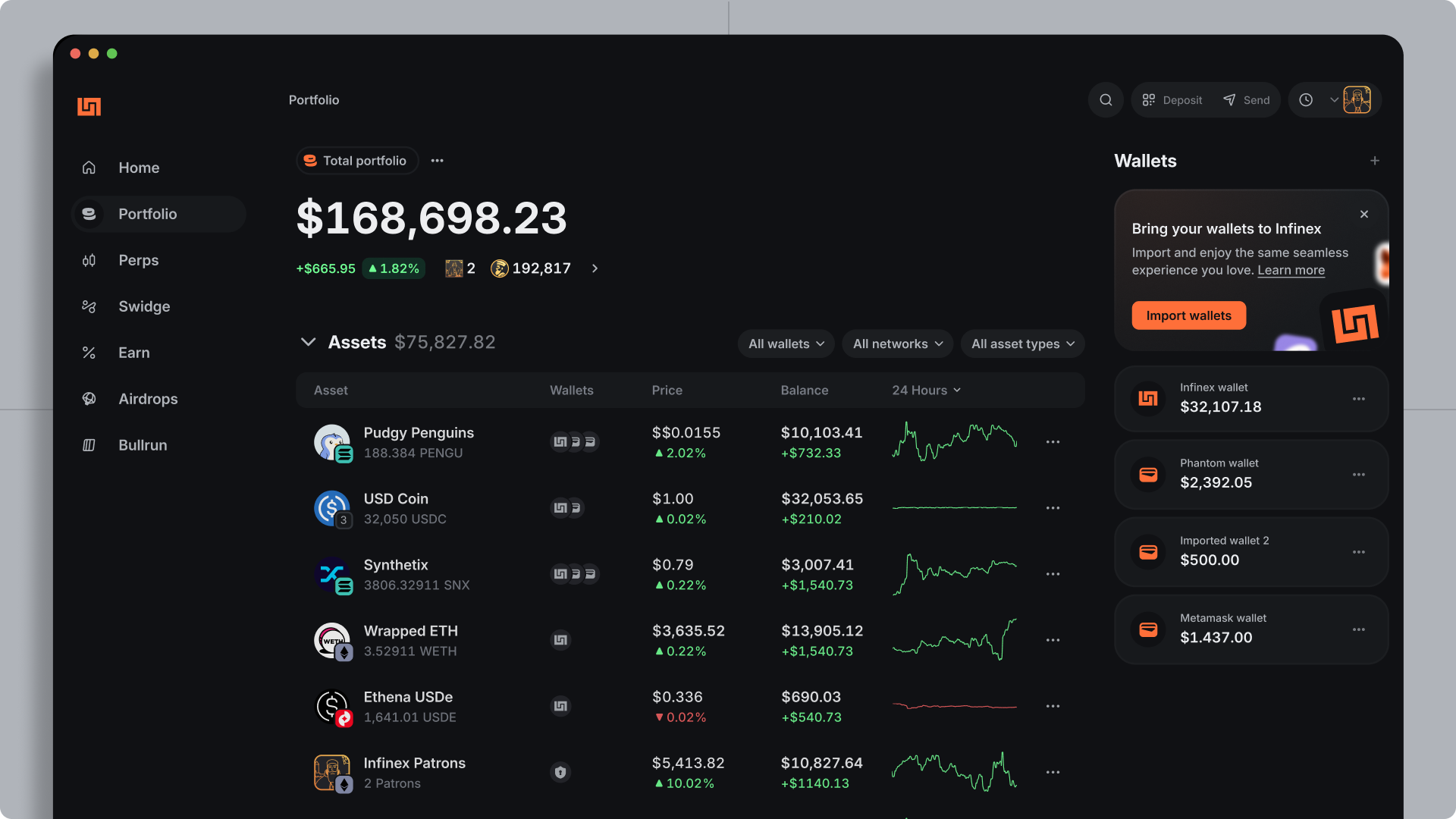
Why import wallets?
If you've been active onchain for more than five minutes, chances are that you're already managing a few (and maybe even dozens of) wallets, seed phrases, and private keys, plus the fragmented assets and native gas tokens strewn across them.
For most people, managing this growing fragmentation is a major pain point as well as an OpSec risk, which is why your Infinex account now supports multiple wallets and wallet import.
When you import your existing wallets into Infinex you can:
- view your wallets and assets in one consolidated portfolio view
- swidge tokens in your imported wallets
- move assets between wallets easily
- manage multiple margin and perps positions
- continue using imported wallets with onchain apps via the Infinex extension
Imported wallets automatically get the same features and properties as the built-in Infinex wallet, including gas abstraction, multi-chain support, simple recovery, and passkey signing.
Importing your first wallet
To import your first wallet, head to the Portfolio page and add a wallet.
You can import wallets by entering your seed phrase or a private key. You’ll be guided through the process of importing wallets with assets and/or activity, and they will then show up in your Infinex account.
You don’t have to import every wallet derived from your seed phrase at once. You can re-run the import process from settings at any time.
For help with importing your existing wallets, we've put together a step by step guide including how to safely export your seed phrase or private key from popular wallets like MetaMask, Phantom, and more.
Is it safe to import my seed phrase or private key?
Infinex can never see or access your seed phrase.
When you enter in your seed phrase (you should type it in, not paste it), the text input is isolated from the Infinex app, and encrypted on its way to Turnkey, to avoid man-in-the-middle attacks.
The seed phrase or private key you enter is encrypted and secured by Turnkey, and can only be accessed and decrypted inside Turnkey’s secure enclave with your Infinex account passkey. That means neither Infinex nor Turnkey can view or access it.
Turnkey provides secure and verifiable third-party key management.
Back to What's new